Last-minute Christmas
A last-minute Christmas gift you can make tonight
Christmas Eve and still no gift? Make one on your phone in a few minutes. Unfold is an app for iPhone and Android: hide your words under a scratch card, or in a little Christmas game, and send the code. Nothing to ship, nothing to wrap.
Updated
Or search “Unfold Play to Reveal” in the App Store or Google Play.
How it works
- 1
Pick a quick gift
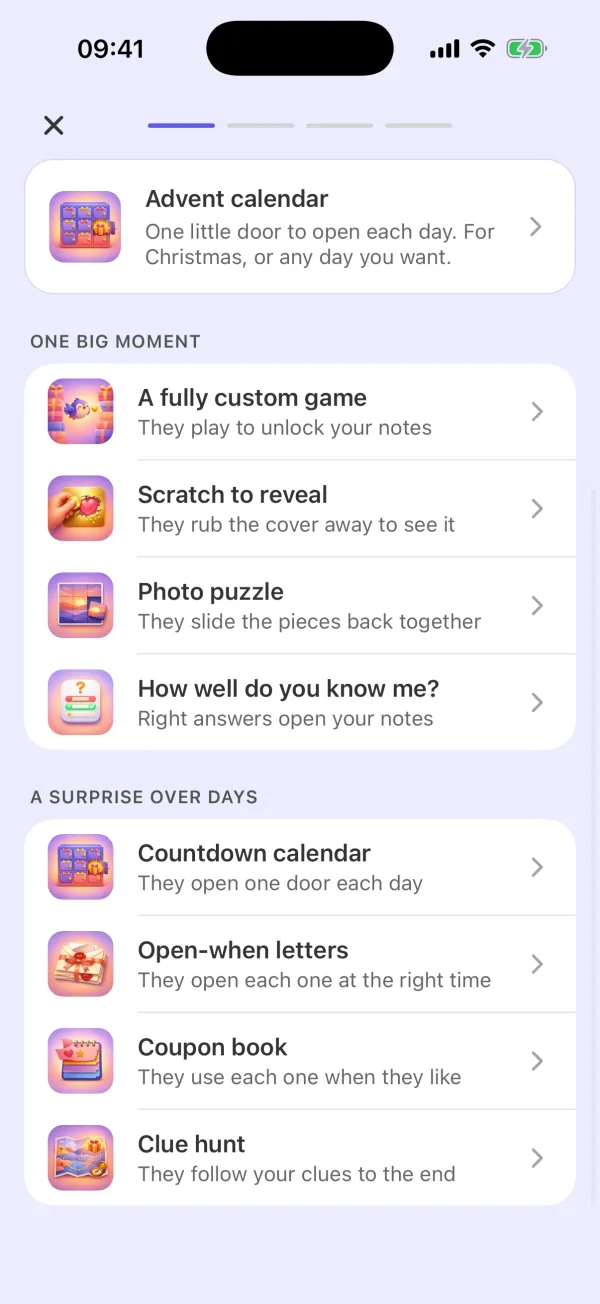
In the app, choose what they will open. The quickest are “Scratch to reveal”, one card with a few words, and “A fully custom game”, which the app builds from a sentence or two.
- 2
Write your words
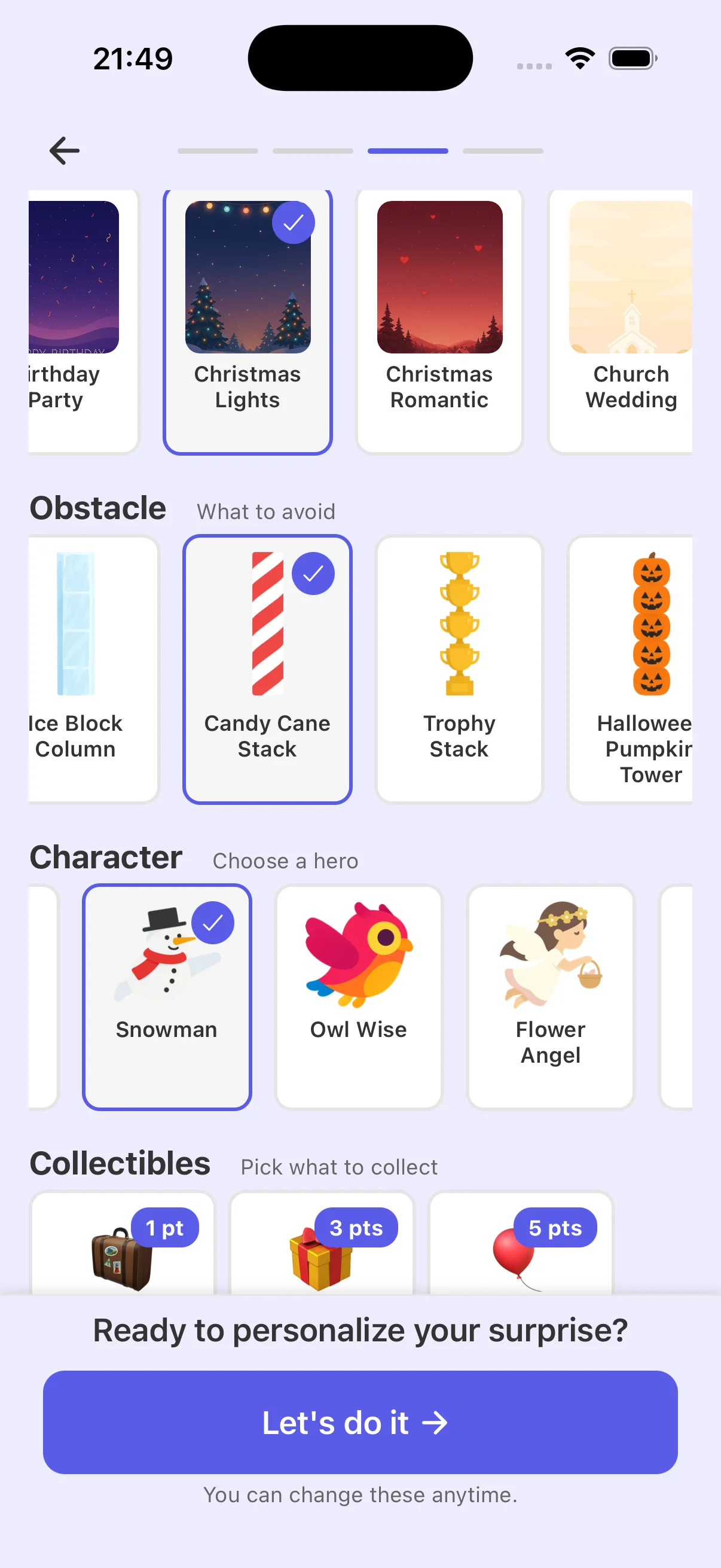
Write what you want them to read on Christmas Day: a thank-you, a memory from this year or a hint about the real present. For a game, pick a Christmas scene. Then preview the whole gift the way they will see it.
- 3
Send the code, they open it
Tap Share or Messages: they get the link and the code in one message. On the day, they install Unfold: Play to Reveal from the link, tap “Open My Surprise” and enter the code.
Two gifts you can make in one evening
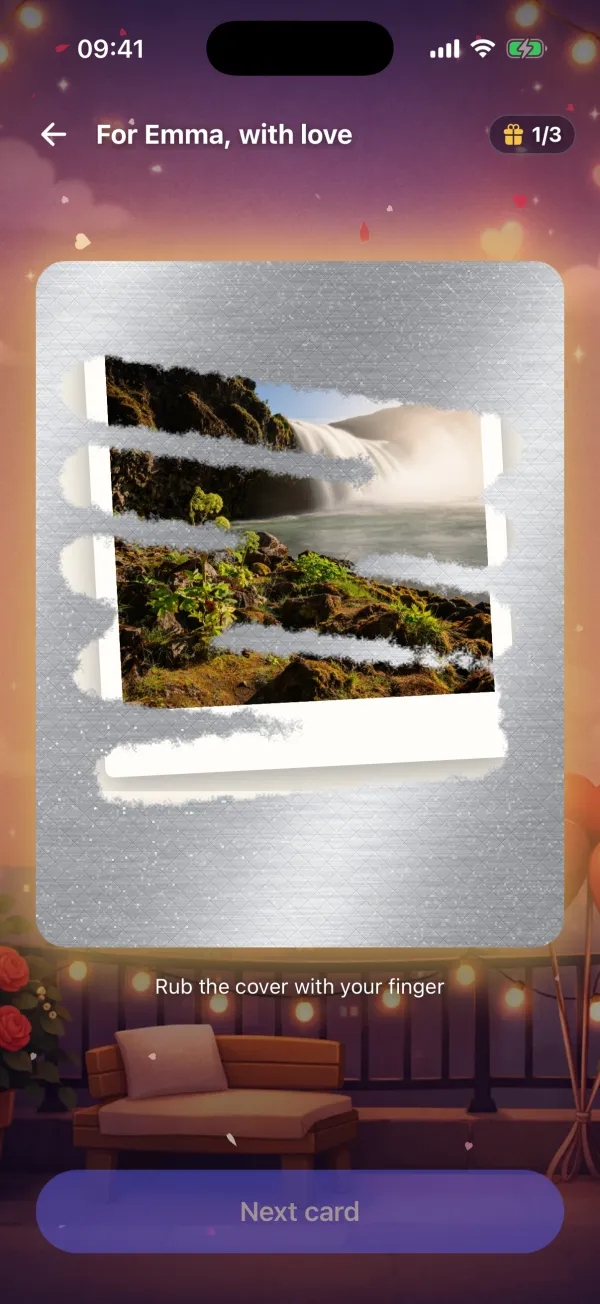
A scratch card: choose “Scratch to reveal”, write a title such as “Merry Christmas” and a few words, and you are done. Add a photo, a voice note or a video if you like. Up to three cards, and they rub the foil away with a finger, one card after another.
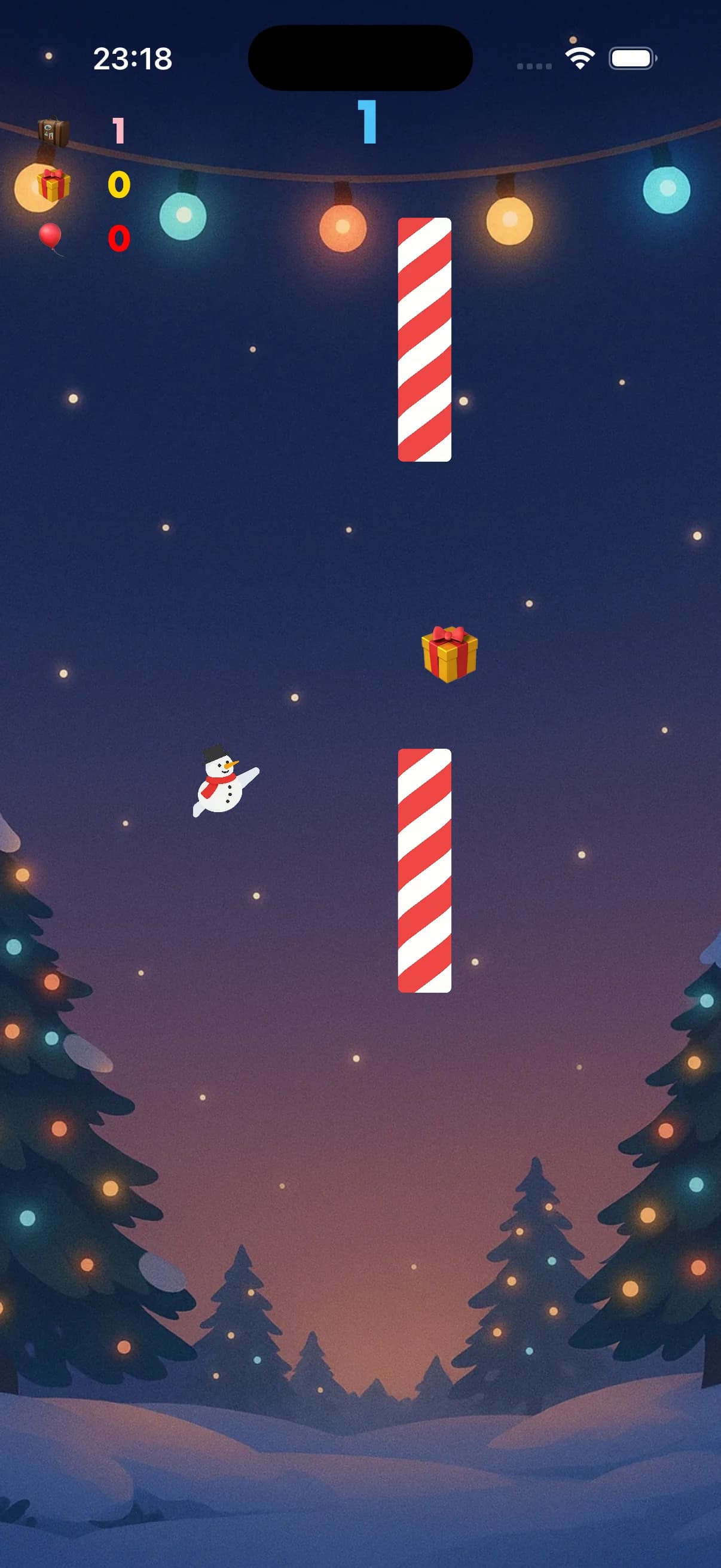
A game from one sentence: choose “A fully custom game”, pick “Holiday” and write a sentence or two about them. The app builds the game: a character, your first note and the rewards. You can change every word, and pick a Christmas scene such as Christmas Lights or Winter Snow. They tap to jump, collect points and unlock your notes one by one.
For her, for him, for mum or a friend
For her or for him, a game where the last note says what you have planned: a dinner, a day out, a trip. For mum, a scratch card that says thank you for this year. For a friend far away, a game full of the jokes only the two of you get. You write every word, so it fits anyone.
What they do on Christmas Day
They open your message, install Unfold: Play to Reveal from the link and tap “Open My Surprise”. Then they enter the code and your gift opens: they rub the foil away or play the game. It opens in the app on iPhone or Android, not in a web browser.
Questions
Can I make it on Christmas Eve?
Yes. A scratch card or a game takes a few minutes to make on your phone. Make it on Christmas Eve, preview it, and send the code that night or on Christmas morning.
Does it arrive in time?
Yes. Nothing is shipped. When you tap Share or Messages, they get the link and the code in one message, at once. The gift opens as soon as they enter the code.
What is the quickest gift to make?
A scratch card: one card with a title and a few words. A game is quick too: write a sentence or two, and the app builds a first version that you can change.
What do they need to open it?
An iPhone or an Android phone. They install Unfold: Play to Reveal from the App Store or Google Play, tap “Open My Surprise” and enter the code. The gift opens in the app only.
Can I see it before I send it?
Yes. Preview shows the whole gift the way they will see it. For them, the gift stays unopened.
Will I know when they open it?
Yes. When you turn on notifications, the app tells you when they open your gift.
Make it tonight
Start with a few words. Preview it as often as you like, then send the code.
Or search “Unfold Play to Reveal” in the App Store or Google Play.