Surprise trip reveal
Reveal a surprise trip with a game
Unfold: Play to Reveal is an app for iPhone and Android that turns a surprise trip into a little game. You hide your clues in it: pack a warm sweater, bring your passport and, last of all, where you are going. They install the app, enter the code you send and play, and each score they reach opens a clue. You can also hide the trip under a scratch card, in a clue hunt around the home or behind the last door of a countdown calendar.
Updated
Or search “Unfold Play to Reveal” in the App Store or Google Play.
How it works
- 1
Hide the trip in a game
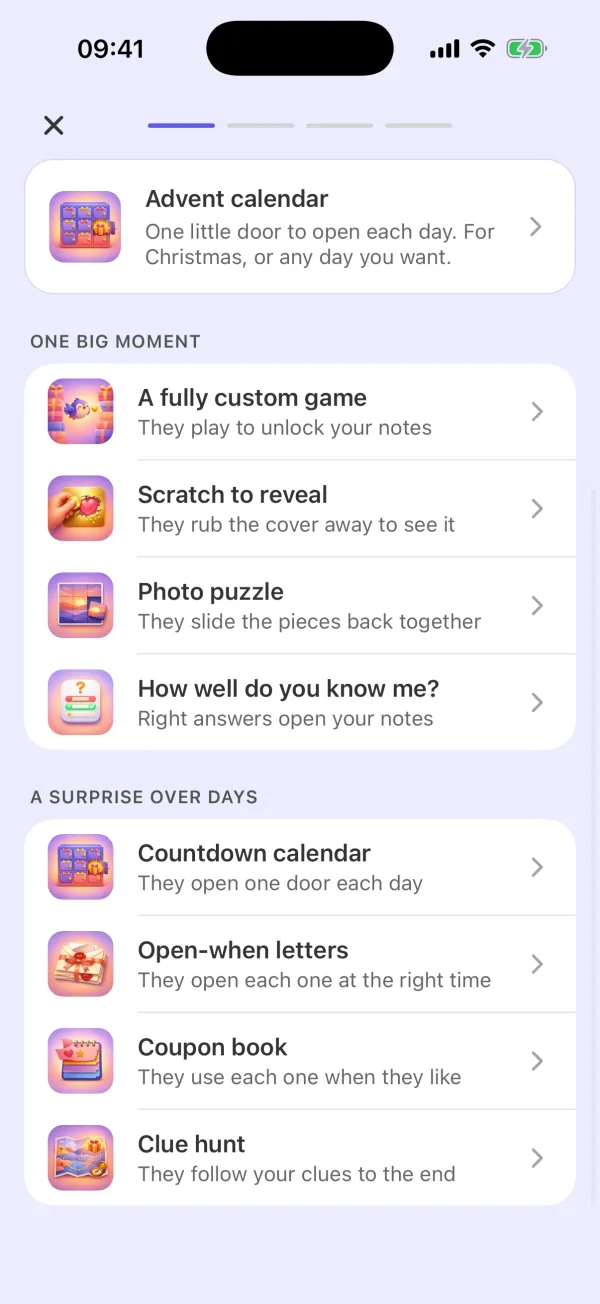
In the app, tap “A fully custom game” and pick “Surprise trip” as the occasion. Write your clues, set the score that opens each one, and keep the place for the last clue. The game starts in a neutral scene of fireworks and stars, so nothing gives the trip away. You can change the scene, the character, the obstacles and what they collect.
- 2
They play to find out where you are going
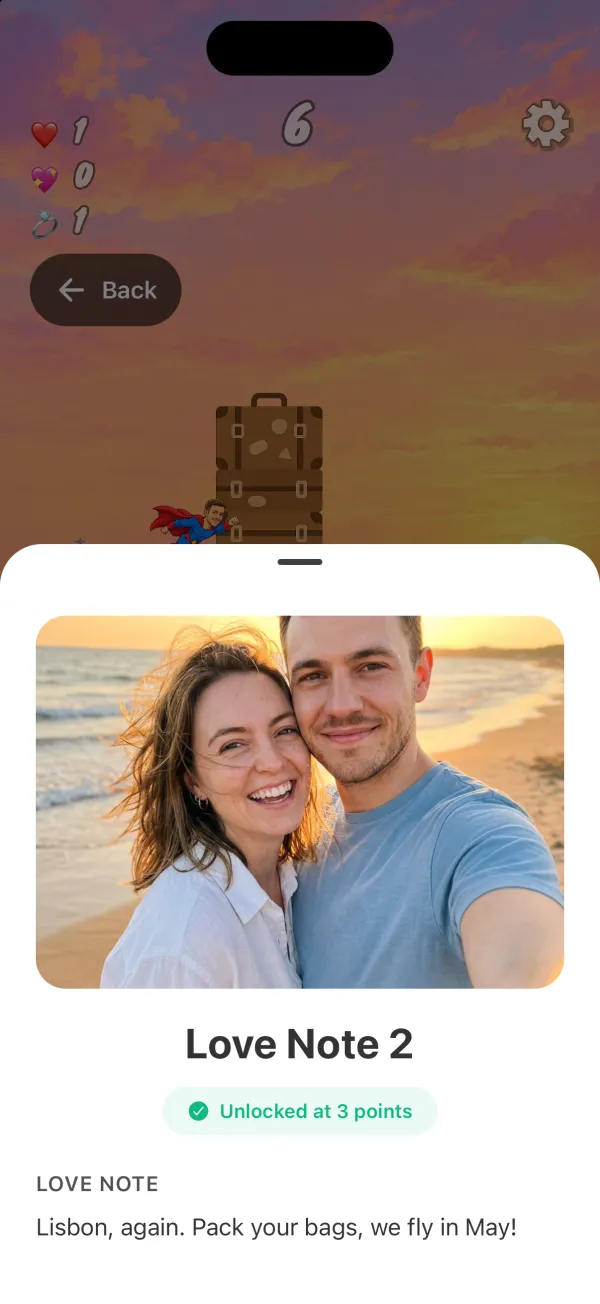
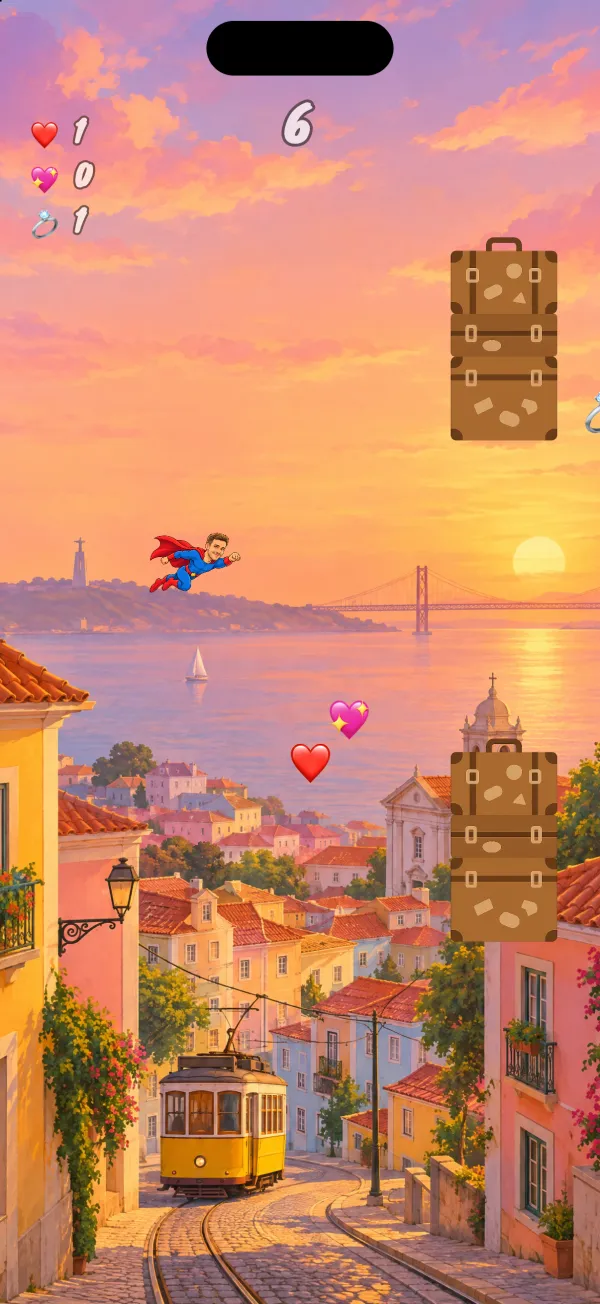
Send them the code. They install Unfold: Play to Reveal on iPhone or Android, enter the code and play. They tap to jump, dodge obstacles and collect points, and each score they reach opens the next clue.
Four ways to reveal the trip
A game: each clue opens at the score you set for it. Set higher scores, and the reveal takes a few rounds. Each clue can open with a tap, under a scratch cover or as a small sliding puzzle.
A scratch card: choose “Scratch to reveal” and write up to three cards. They rub the foil away with a finger, card by card. The first can say “Pack your bags!”, and the last names the place.
A clue hunt at home: choose “Clue hunt”, write each code on paper and hide it where the clue points, such as in their suitcase or a coat pocket. They read a clue, find the code and type it in the app to open the next step. A hunt has 3 to 10 steps.
A countdown calendar: choose “Countdown calendar” with 7, 12 or 24 doors and pick the date of the first door, so the last door opens on the day you leave.
Ideas for the clues
Start with what to pack: a warm sweater, a swimsuit, their passport. Then give them the weather, the food or a photo of a place you will see. Keep the city, the date and the time you leave for the last clue.
Plan the moment
Send the code a few days before you leave, so they can play at home and guess. Or send it on the morning of the trip, and let the last clue tell them to get their bag. Preview the whole gift first to check every clue.
Questions
How can I reveal a surprise trip as a game?
Make a little game in Unfold: Play to Reveal and hide your clues in it. They play on their phone, and each score they reach opens a clue. The last clue tells them where you are going.
What other ways are there to reveal the trip in the app?
A scratch card they rub to see the place, a clue hunt with codes hidden around the home, or a countdown calendar with one door a day until you leave.
Can I add photos to the clues?
Yes. A clue in the game can have photos. A scratch card, a clue hunt step and a calendar door can also have a voice note or a video.
Do they need the app?
Yes. They install Unfold: Play to Reveal from the App Store or Google Play and enter the code you send. The surprise opens in the app.
Can I see it before I send it?
Yes. You can preview the whole surprise the way they will see it.
Is it only for trips?
No. You can reveal a concert, a dinner, a new puppy or big news the same way, for anyone you want to surprise.
Does it work on iPhone and Android?
Yes. Unfold: Play to Reveal is on the App Store and on Google Play.
Make your trip reveal
Write the first clue now and keep the place for the last. You can preview it as often as you like before you send the code.
Or search “Unfold Play to Reveal” in the App Store or Google Play.