Open-when letters
Open-when letters for every moment they need you
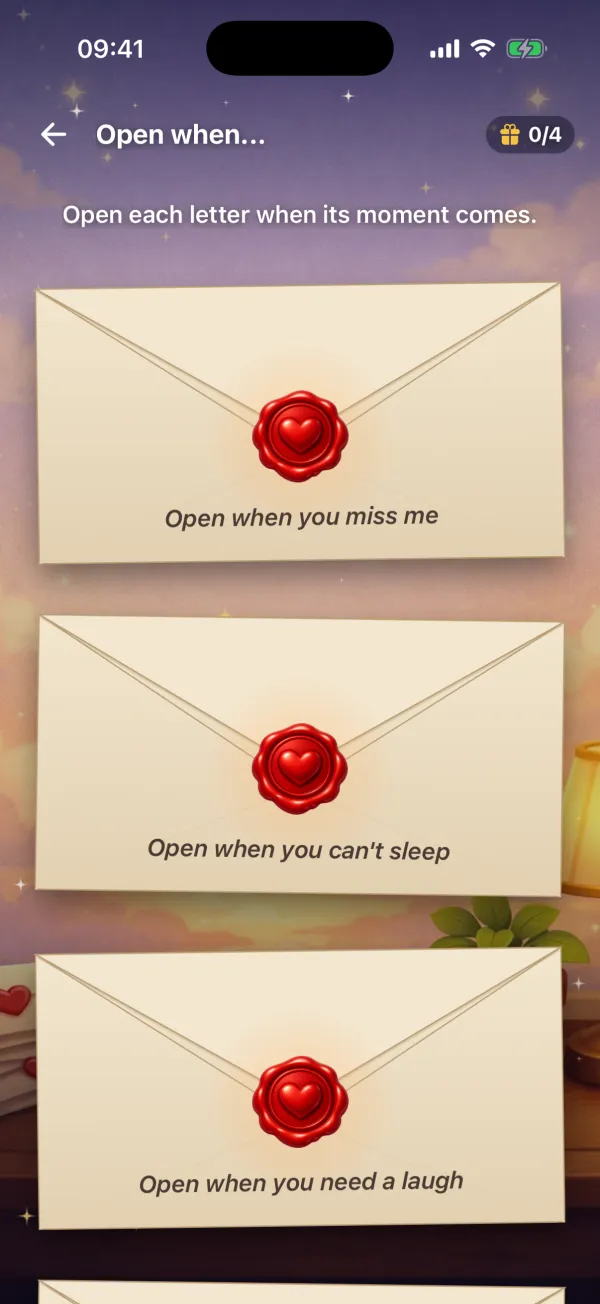
Write a letter for the moments you can't be there: when they miss you, can't sleep or need a laugh. They keep the letters on their phone and open each one when its moment comes.
Updated
Or search “Unfold Play to Reveal” in the App Store or Google Play.
How it works
- 1
Write a letter for each moment
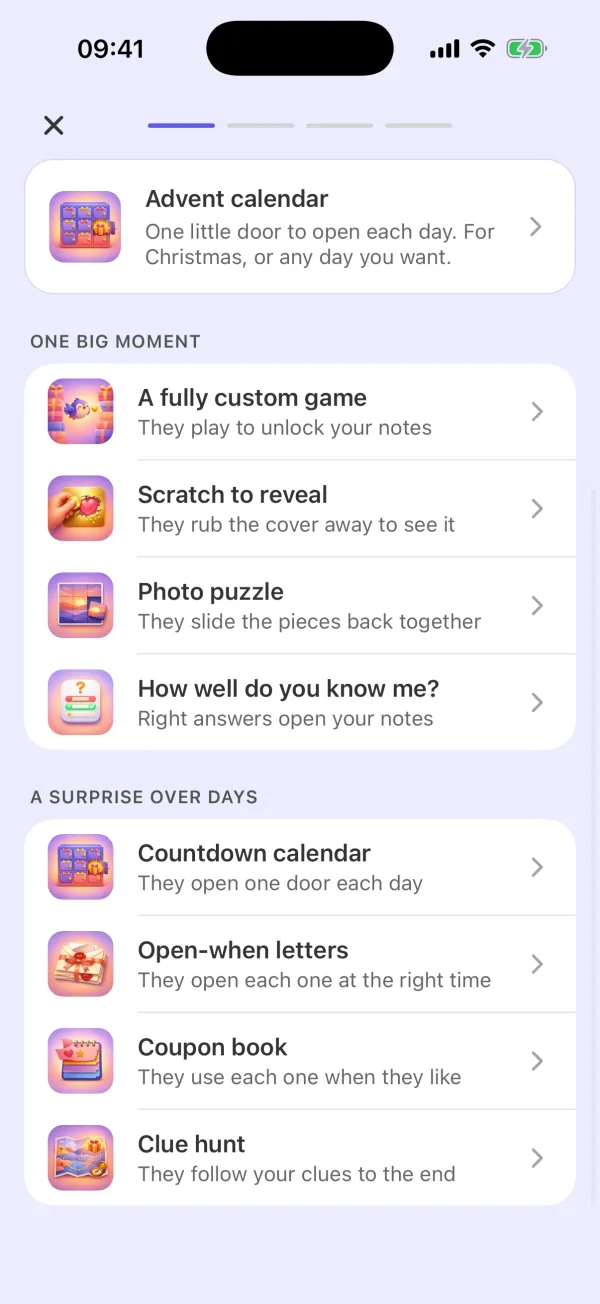
Choose “Open-when letters” in the app. Start with three letters and write up to twelve. Put the moment on the envelope, or pick one of the ideas. Inside, add your words, photos, a voice note or a video.
- 2
They open one when the moment comes
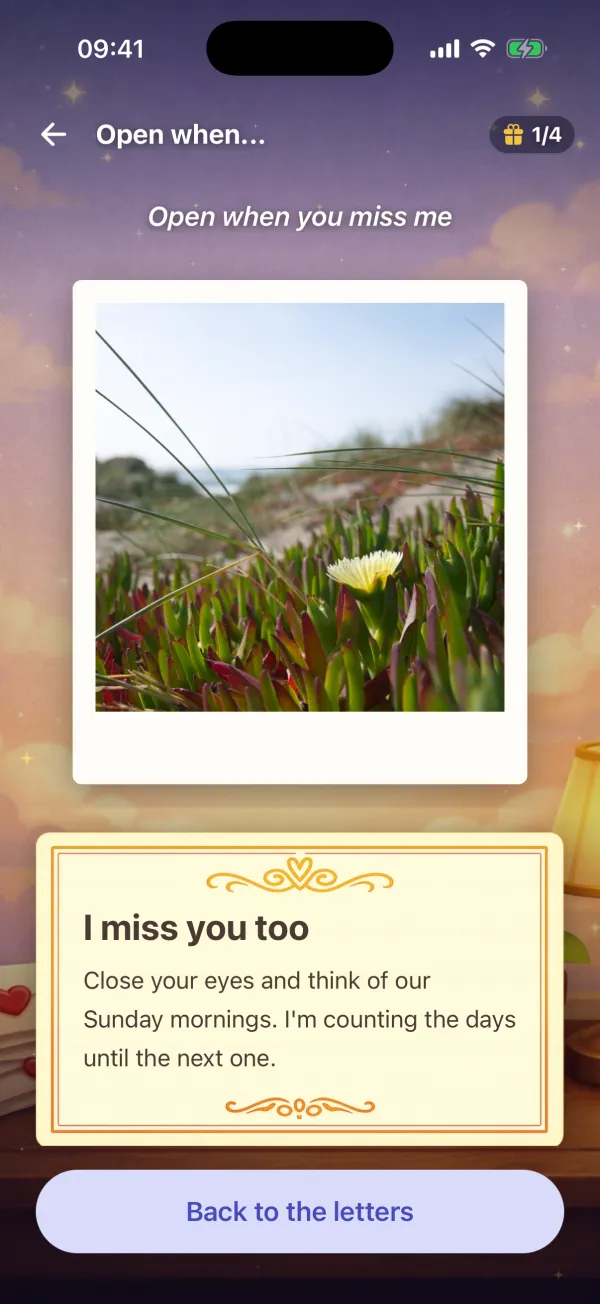
Send them the code. They install Unfold: Play to Reveal on iPhone or Android and enter it. To open a letter, they press and hold the wax seal. An opened letter stays, so they can read it again.
Ideas for the envelopes
The app suggests moments for the envelopes, and you can write your own: Open when you miss me. Open when you can't sleep. Open when you need a laugh. Open when you're having a bad day. Open when you need a hug. Open before a big day. Open after we've had a fight. Open on your birthday. Open when you want to know how much I love you.
For long distance, a move or a long trip
Open-when letters fit any time apart: a long-distance relationship, a friend who moves away, a son or daughter who leaves for college, a partner who travels for work. Your words, your voice and your photos stay on their phone for the days they need them.
Counting the days until you meet again? The app can also make a reunion countdown: one door a day, and the last door opens on the day you see each other.
Questions
What are open-when letters?
Letters for a moment in the future. Each envelope says when to open it, such as “Open when you miss me”. With Unfold you write them in the app, and they open them in the app.
How many letters can I write?
You start with three and can write up to twelve.
What can I put in a letter?
Words, photos, a voice note and a video.
Can they open all the letters at once?
They can. Each envelope says when to open it, and they choose the moment. After they open a letter, they can read it again at any time.
How do they get the letters?
You send them a code. They install Unfold: Play to Reveal from the App Store or Google Play and enter the code.
Can I read them the way they will?
Yes. You can preview every letter before you send the code.
Does it work on iPhone and Android?
Yes. Unfold: Play to Reveal is on the App Store and on Google Play.
Write your first letter
Start with three letters and the moments that matter most to them. You can preview every letter before you send the code.
Or search “Unfold Play to Reveal” in the App Store or Google Play.