Baby news and gender reveal
A gender reveal game: they scratch to find out boy or girl
Hide pink or blue under a shiny foil cover, or your baby news in words. Your parents, friends or family far away rub it off with a finger, and the color tells them.
Updated
Or search “Unfold Play to Reveal” in the App Store or Google Play.
How it works
- 1
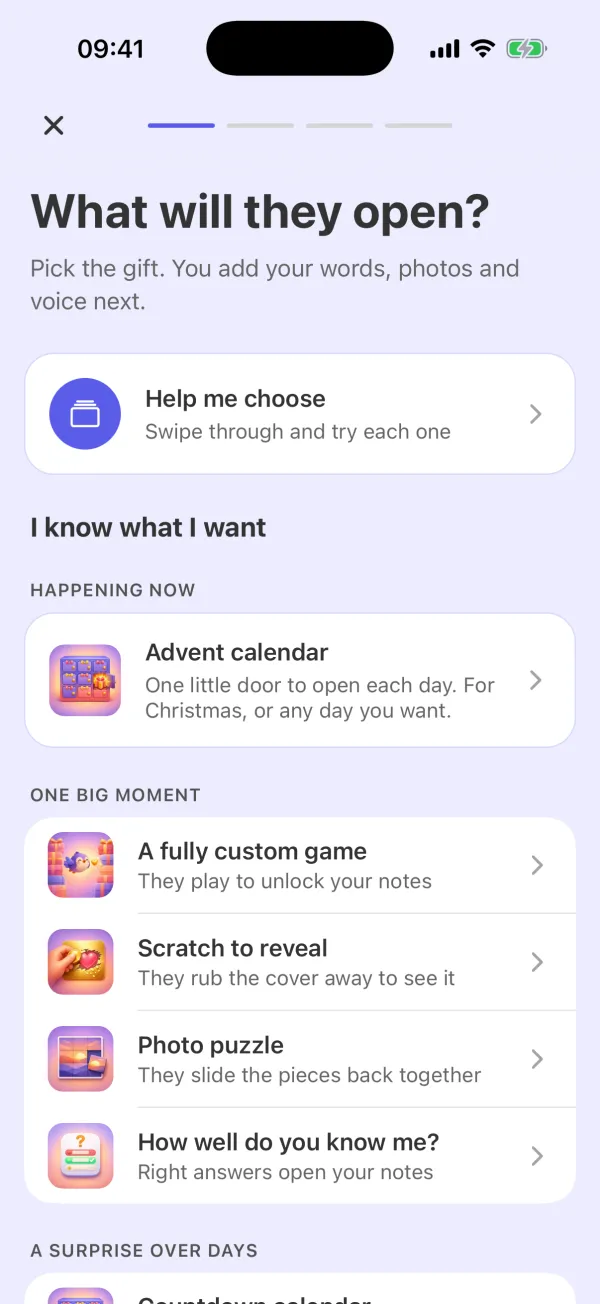
Pick “Boy or girl” or “Baby news”
Choose “Scratch to reveal” in the app, then “Boy or girl” or “Baby news”. For a gender reveal, pick the color under the foil: pink, blue or a neutral yellow. Add up to three cards, for example “Our little one is...”, “The name we picked” and “Coming this spring”.
- 2
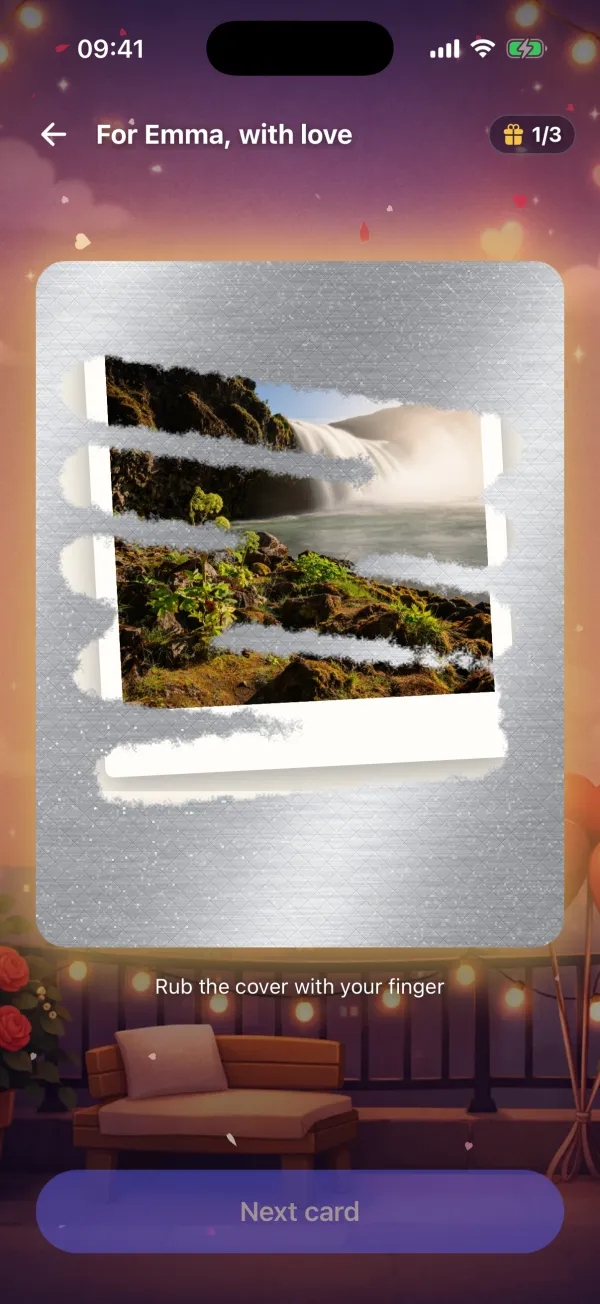
They scratch to find out
Send them the code. They install Unfold: Play to Reveal on iPhone or Android, enter the code and rub the foil away with a finger, card by card. Under the foil is what you chose: the color, your words or a photo, such as the scan.
Nothing gives it away
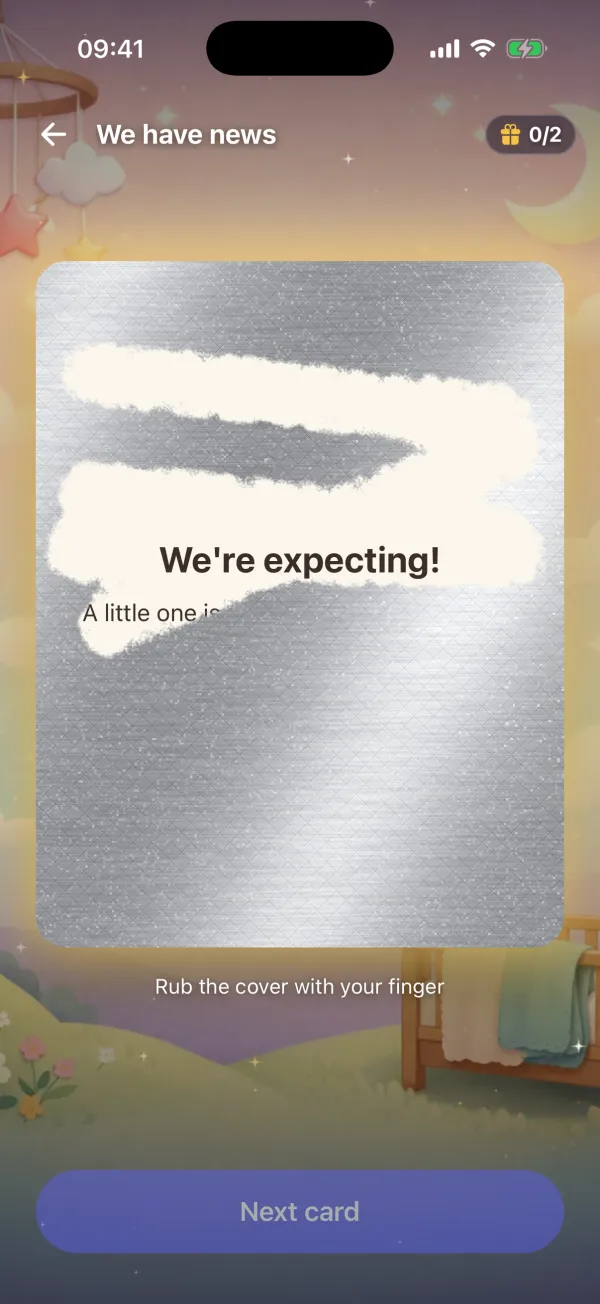
A baby or gender reveal starts in a neutral scene: a closed gift glowing at night, with no pink and no blue. The answer shows only when the foil is gone. If you prefer, pick another scene, such as the nursery in the picture above.
For grandparents and friends far away
You can send the same code to everyone you want to tell. Each person installs the app, enters the code and scratches the card on their own phone. Call them while they scratch, and you hear the moment they find out.
Or make them play for it
Want a longer build-up? Make a game instead: they play, earn points and unlock your notes one by one, and the last note tells them the news.
Questions
How does the gender reveal game work?
You make a scratch card in the Unfold app and pick the color under the foil: pink, blue or a neutral yellow. They rub the foil away with a finger, and the color tells them.
Can I announce a pregnancy the same way?
Yes. Choose “Baby news”. The first card starts with “We're expecting!”, and you can change every word.
Will the picture behind the card give it away?
No. Baby and gender reveals start in a neutral scene, so nothing shows before the foil is gone.
Can I add a photo of the scan or a video?
Yes. Each card can hold a message, photos, a voice note or a video.
Can several people open it?
Yes. Send the same code to each of them. They install Unfold: Play to Reveal from the App Store or Google Play, enter the code and scratch on their own phone.
Can I see it before I send it?
Yes. Preview opens every card the way they will see it. For them, the gift stays unopened.
Does it work on iPhone and Android?
Yes. Unfold: Play to Reveal is on the App Store and on Google Play.
Make your reveal
Pick the color, write the cards and preview them as often as you like before you send the code.
Or search “Unfold Play to Reveal” in the App Store or Google Play.